Hear from the whole room
Give quieter participants a clear way in, with optional anonymous responses and group questions that can be voted up.
Live classroom engagement
Ed.ie gives educators one calm place to gather live responses, run polls, collect questions, and see what the room understands.
Participants join with a QR code or access codes. No participant account is needed.
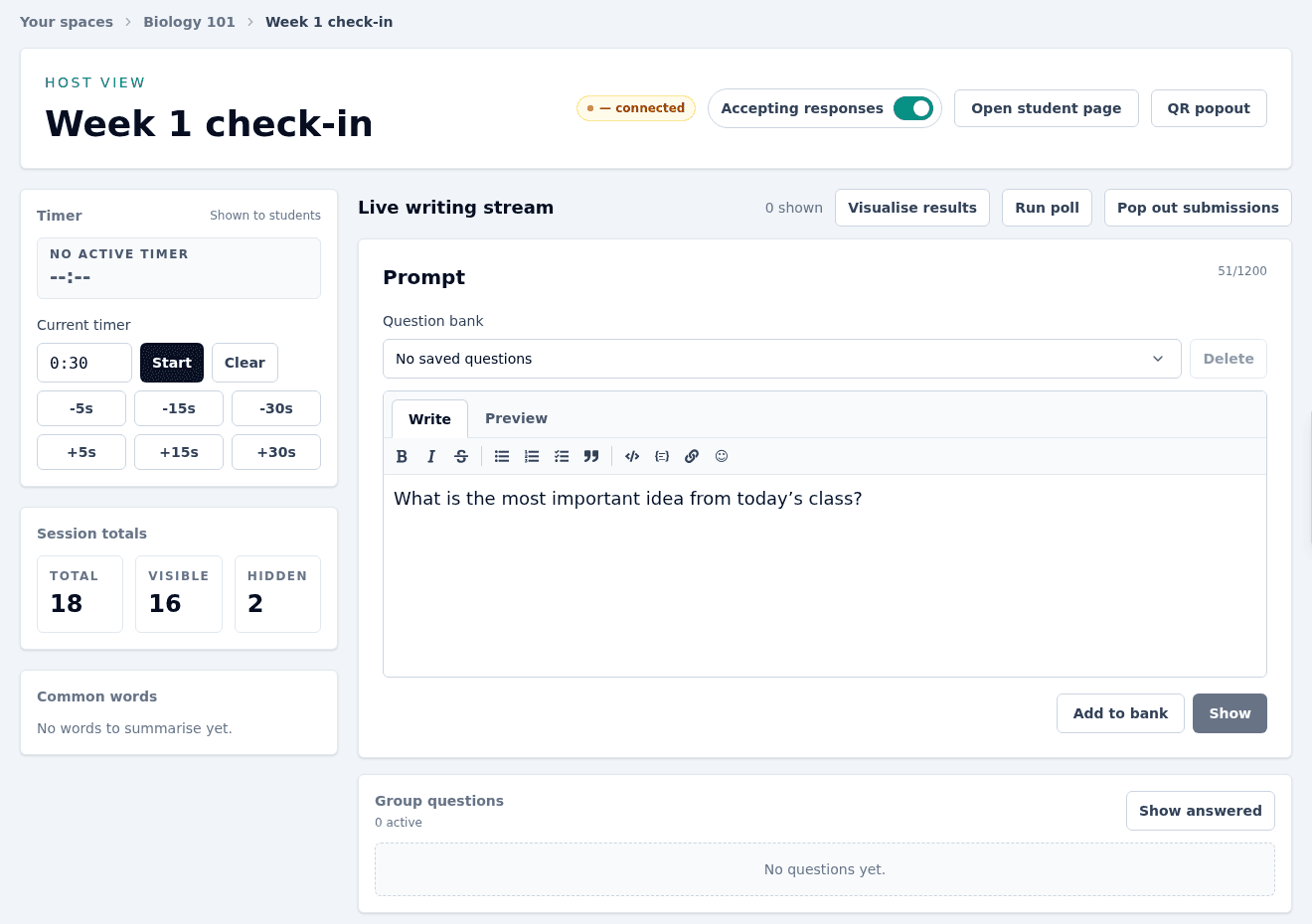
Participation with purpose
Make space for quick checks, thoughtful questions, and creative responses without stitching together several classroom tools.
Give quieter participants a clear way in, with optional anonymous responses and group questions that can be voted up.
Collect text, drawings, GIFs, and images so participants can respond in the form that best fits the activity.
See responses arrive, run a quick poll, spot common themes, and adjust the lesson while it can still make a difference.
Live polls
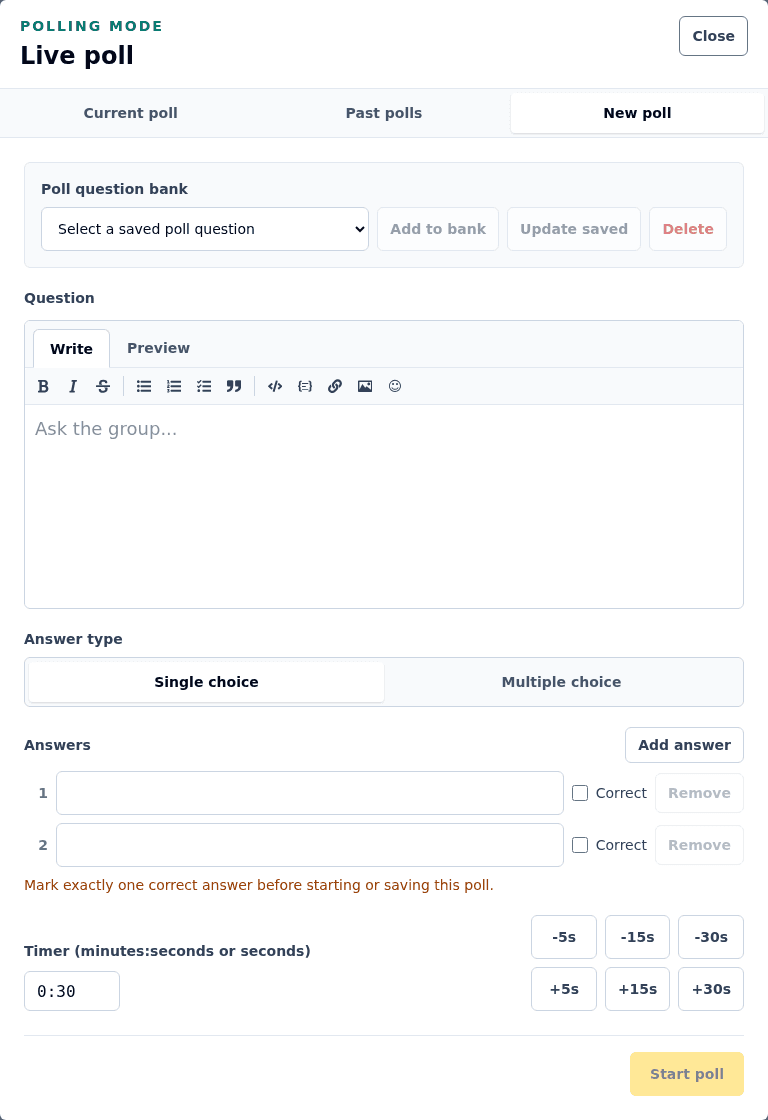
Build single- or multiple-choice questions, set a timer, and reveal the result when the room is ready.
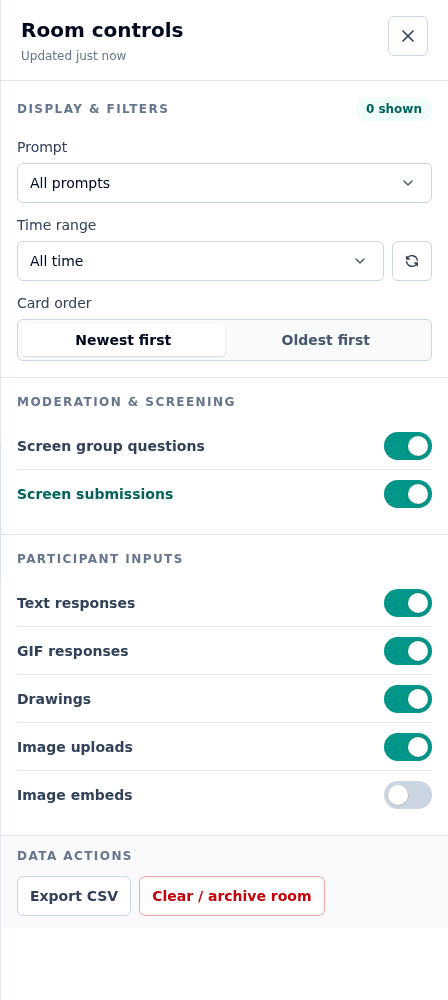
Room controls
Choose response formats, screen new submissions, filter the stream, and decide what appears on the shared display.
Start hosting
Continue with Google, Microsoft, or GitHub, then choose the Ed.ie username other hosts can use to invite you.
An Ed.ie administrator can create one for you, or an existing owner can invite you to their space.
Start a session, show a prompt, and share its QR code or two short access codes with the room.
Joining as a participant?
Scan the host's QR code or enter the hosted-space and session codes. Your name is optional, and you can respond, draw, vote in polls, or ask a group question whenever your host enables them.
Ready for the next question?
Create your Ed.ie host account with Google, Microsoft, or GitHub. Once a hosted space is assigned or shared with you, you can start running sessions.
Login